Pricing: Agents credits
Last updated: June 11, 2026
Overview
Profound Agents are priced on a credit-based model. Credits are consumed each time an Agent runs, and packages are available at various tiers to match your usage needs.
The self-serve Starter plan comes with 100 credits per month. The self-serve Growth plan comes with 400 credits per month. The self-serve Agency Growth plan comes with 400 credits per month per client workspace.
Higher credit thresholds require an Enterprise package. Our accounts team partners with customers to determine the right package based on their marketing goals.
If you are a self-serve user who would like support, use the Support widget within the platform or reach out to support@tryprofound.com. To discuss Enterprise packages, contact our account team.
What are Agent credits?
Agent credits are the unit of measurement for Agent usage. Each time an Agent runs, it consumes credits relative to its complexity. Simpler Agents with fewer steps use fewer credits, while more complex, multi-step Agents use more.
How should I estimate the number of credits I need?
The number of credits you'll need depends on the types of Agents you're running, how complex they are, and how frequently you run them. Your account team can help you estimate based on your specific use cases and marketing goals, and packages can be adjusted over time as your needs evolve.
How can I track my credit usage?
You'll have full visibility into your usage. Before running an Agent, the platform displays an estimated credit cost. After a run, you'll see the actual credits consumed reflected in your balance. An admin panel provides a view of total usage across Agents, and both you and your account team will be notified as you approach your credit limits.
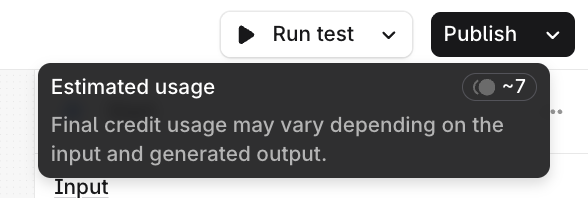
To see estimated credit consumption at the Agent-level, hover over the Run Test button in the top-right corner of the screen.
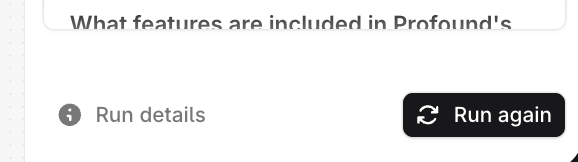
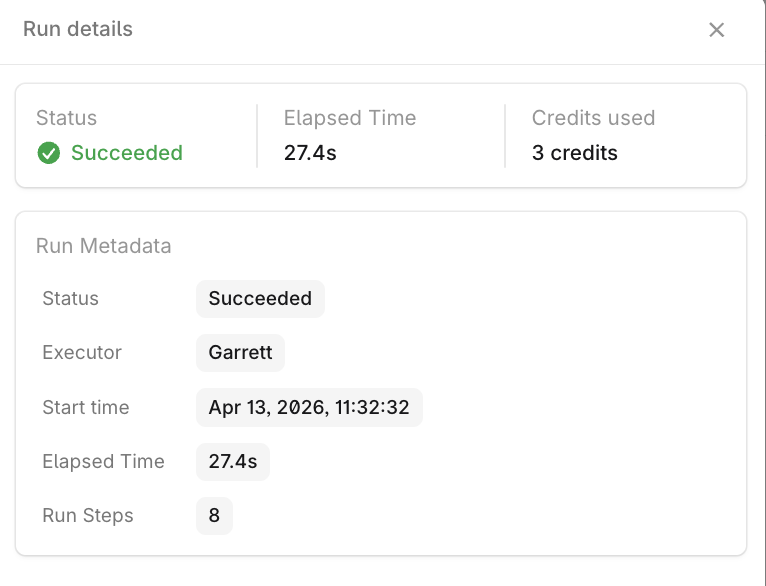
To see actual credit consumption at the Agent-level, click on Run details in the bottom-right corner of the screen inside the test panel.
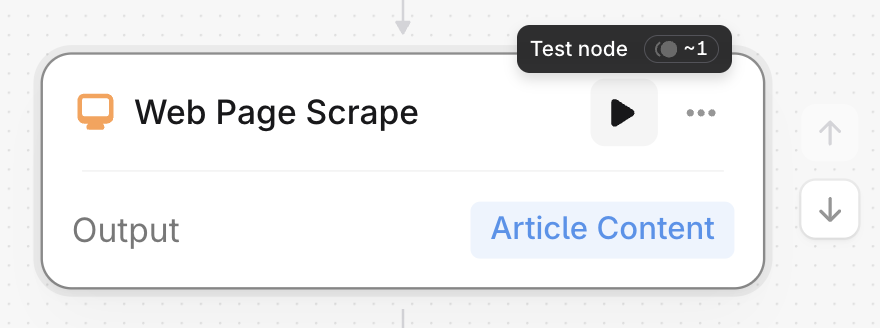
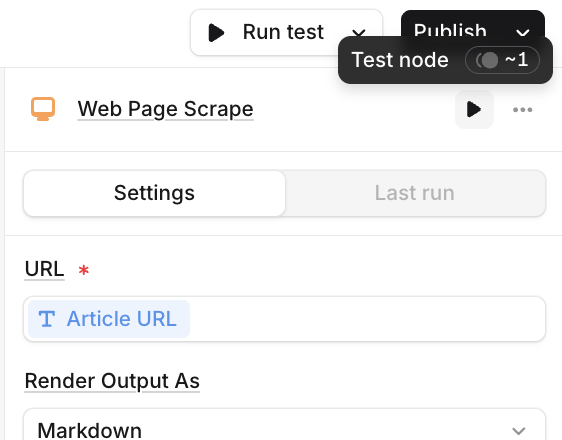
To see estimated credit consumption at the node-level, hover over Test node play button in the top-right corner of the node (either in the middle of the Agent builder on in the test panel to the right).
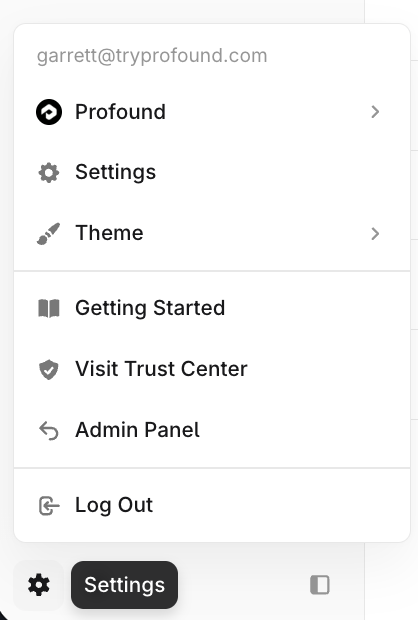
To see actual credit consumption at the organization-level, navigate to Settings using the gear icon in the bottom-left corner of the platform.
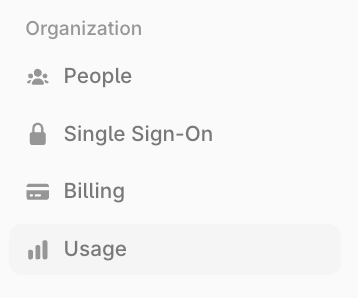
Navigate to Usage within Organization settings.
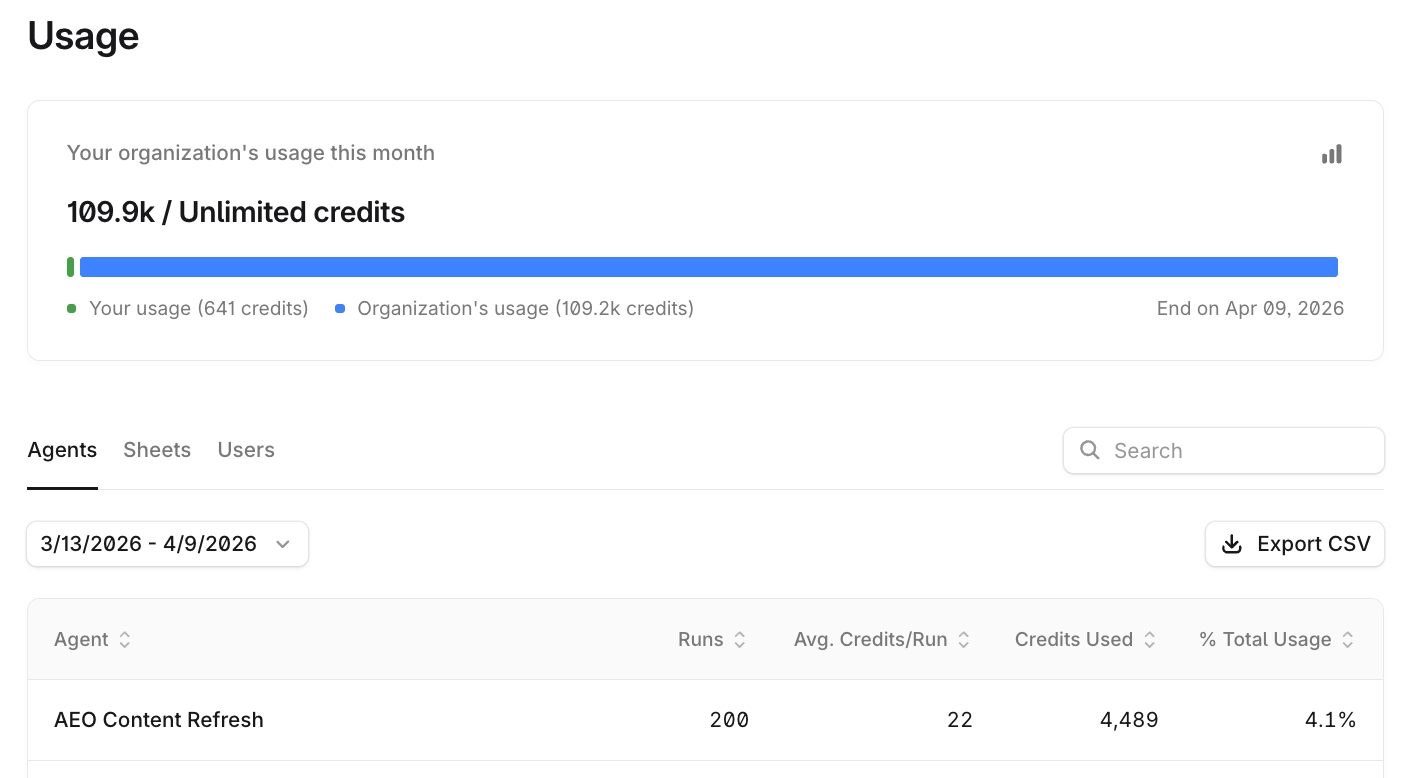
From this screen, Admins can see:
Their individual usage over any time period
Their organization's usage over that time period
Total credit allotment for the organization
Runs, average credits per run, credits used, and percent of total usage for each published Agent and Sheet in the organization
Credits used and percent of total usage for each user in the organization
View-only users of organizations can see the same details except usage by other users.
What happens if I go over my credit allotment?
Depending on your preference, your account can be configured to either allow continued usage with overage billing, or pause usage when your allotment is reached. Your account team will work with you to determine the right approach and ensure there are no surprises.