Create and manage Audience Segments
Last updated: June 11, 2026
Audience Segments are user group personas that allow Profound to create and optimize content aligned with those specific groups. They also let you define and manage multiple segments within the same Profound account.
Create an Audience Segment
Access Audience Segments from the Knowledge Bases section in the left navigation bar, Audience Segments tab. To create an Audience Segment, click + Create new Audience Segment.
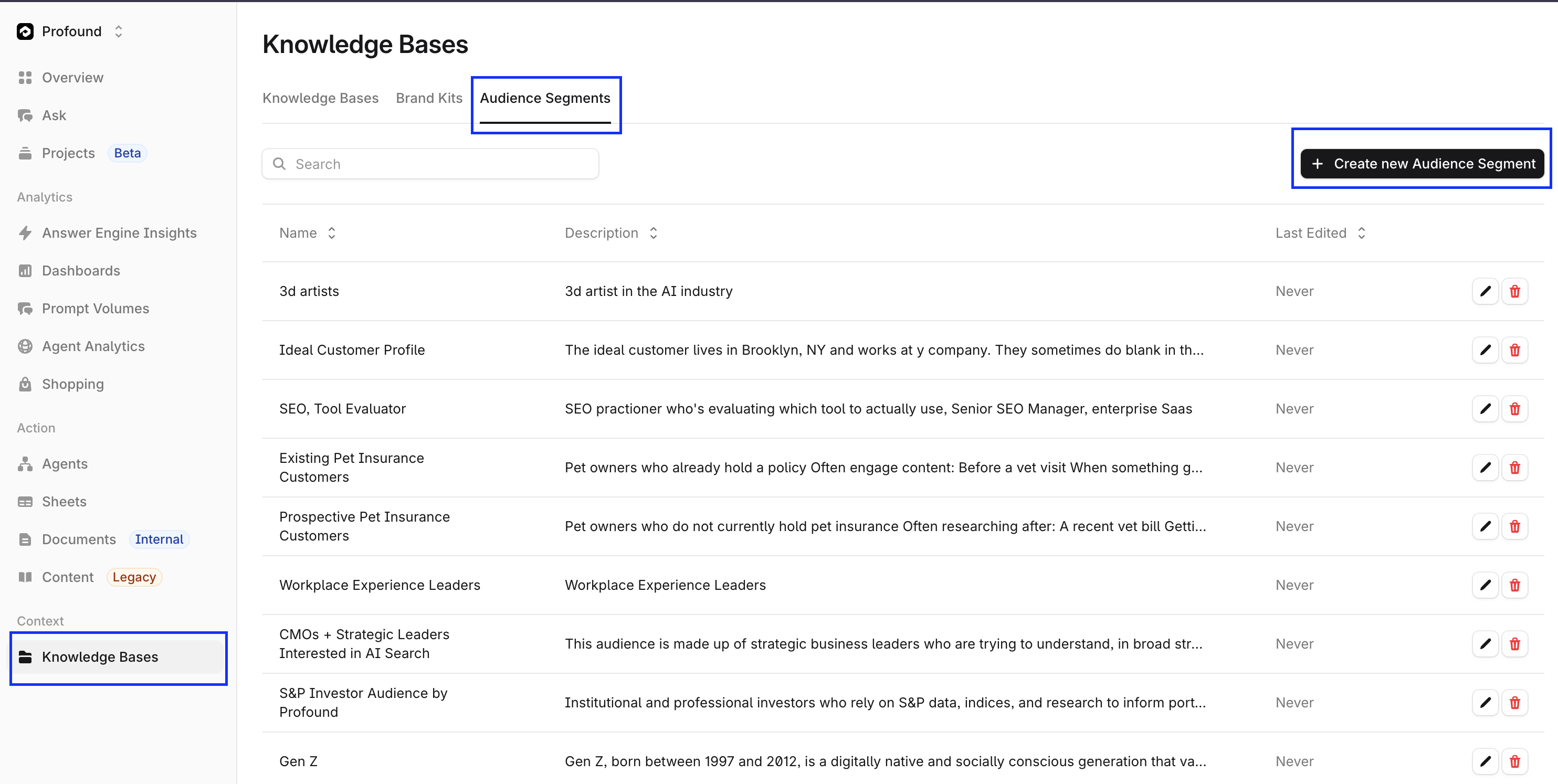
This opens a prompt to input the name of the Audience Segment and a written description of that user group.
Edit an Audience Segment
Select any Audience Segment from the Audience Segments list to make edits. All information can be updated by modifying the text fields in the Edit Audience Segment menu. Click Save at the bottom of the menu to store your changes.