Platform User Guide
Last updated: June 13, 2026
This guide helps new Profound users - marketers, agencies, partners, and technical teams - activate, measure, and optimize their Answer Engine Optimization (AEO) performance. It applies to both trial and paid accounts, covering all features up to the enterprise tier.
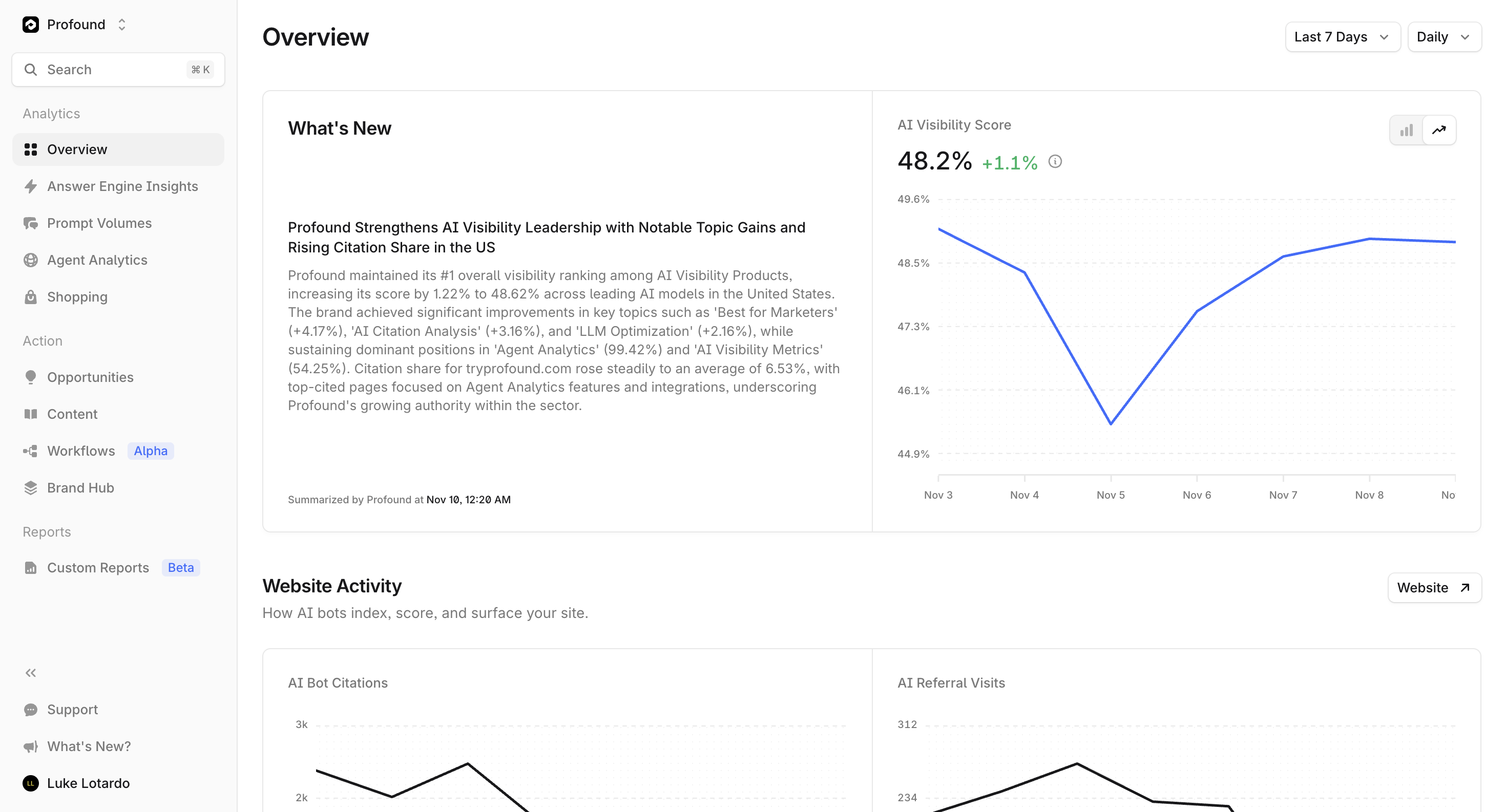
What Success Looks Like: Within your first 14 days, you should:
Connect and validate your domain setup
Identify AI visibility baselines and priority prompts
Publish one optimized piece of content or brief
Share an early visibility report with stakeholders
Key Insight: Early activation is the strongest predictor of ongoing AEO success. Teams that complete setup within 48 hours see visibility improvements 3x faster than those who delay.
Getting Started
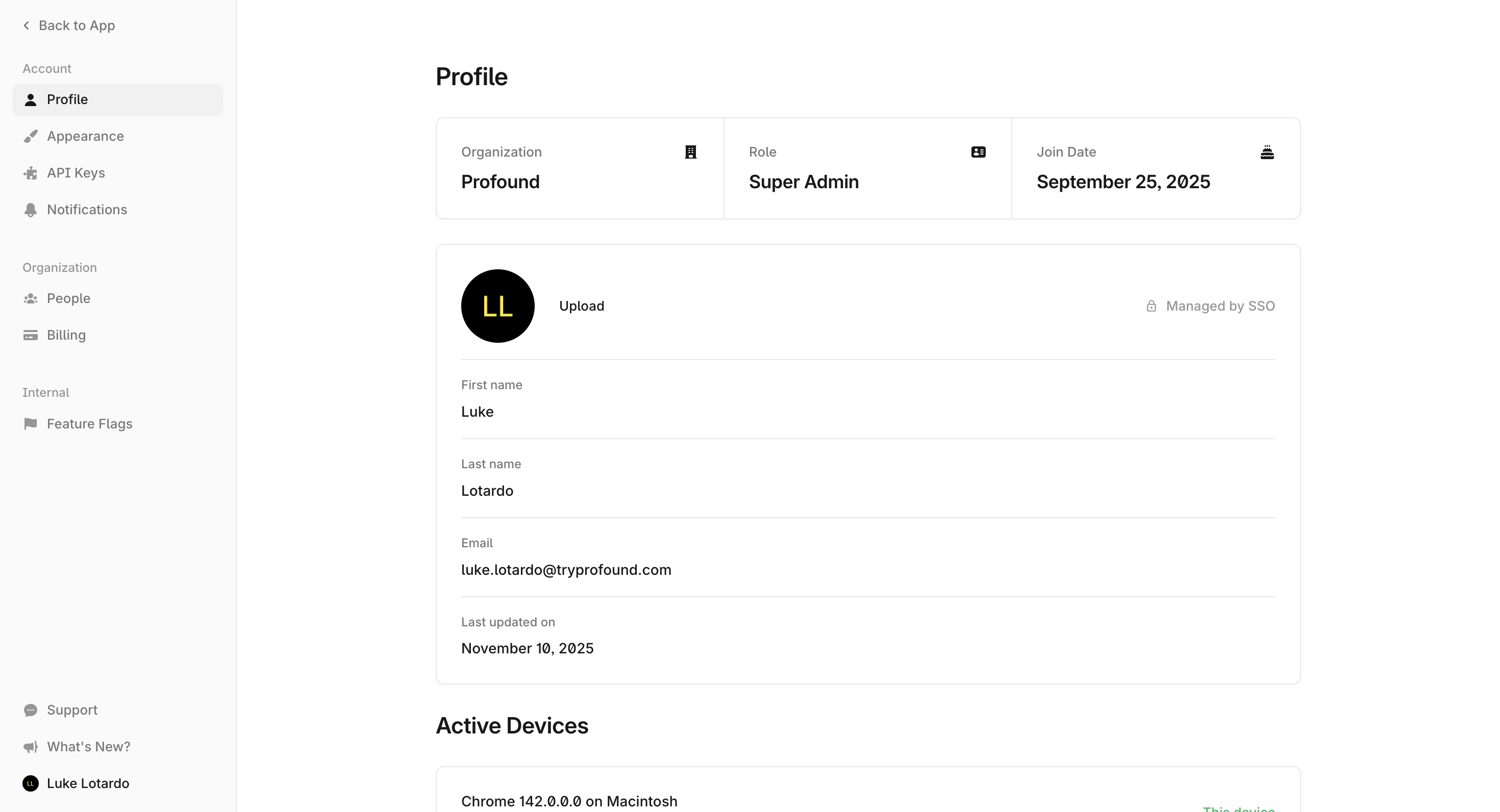
Account Setup
Log In - Access your Profound workspace via your invitation link or company SSO.
Connect Your Domain - Add your verified domain to begin tracking visibility and citations.
Integrate Analytics - Connect Profound to your analytics or CDN provider to enable Agent Analytics and prompt tracking.
Invite Your Team - Add team members to your account:
Click your profile icon in the lower left corner
Select Settings → Organization → People
Click Invite User
Enter the team member's email address
Select their role (Editor or Member)
Click Send Invite
Note: Only account admins can send invites. If you don't see this option, request admin permissions from your account owner.
First 24 Hours Checklist
Confirm domain and CDN setup
Import or sync your prompt data (CSV or API)
Configure regions, personas, and platforms for prompt tracking
Allow 24-48 hours for new prompts to generate initial visibility data
Review baseline visibility metrics
Configure default reporting cadence (weekly summary)
Explore Answer Engine Insights for top brand queries
You can always return to Settings → Integrations to modify or reconnect data sources.
Key Features
Answer Engine Insights
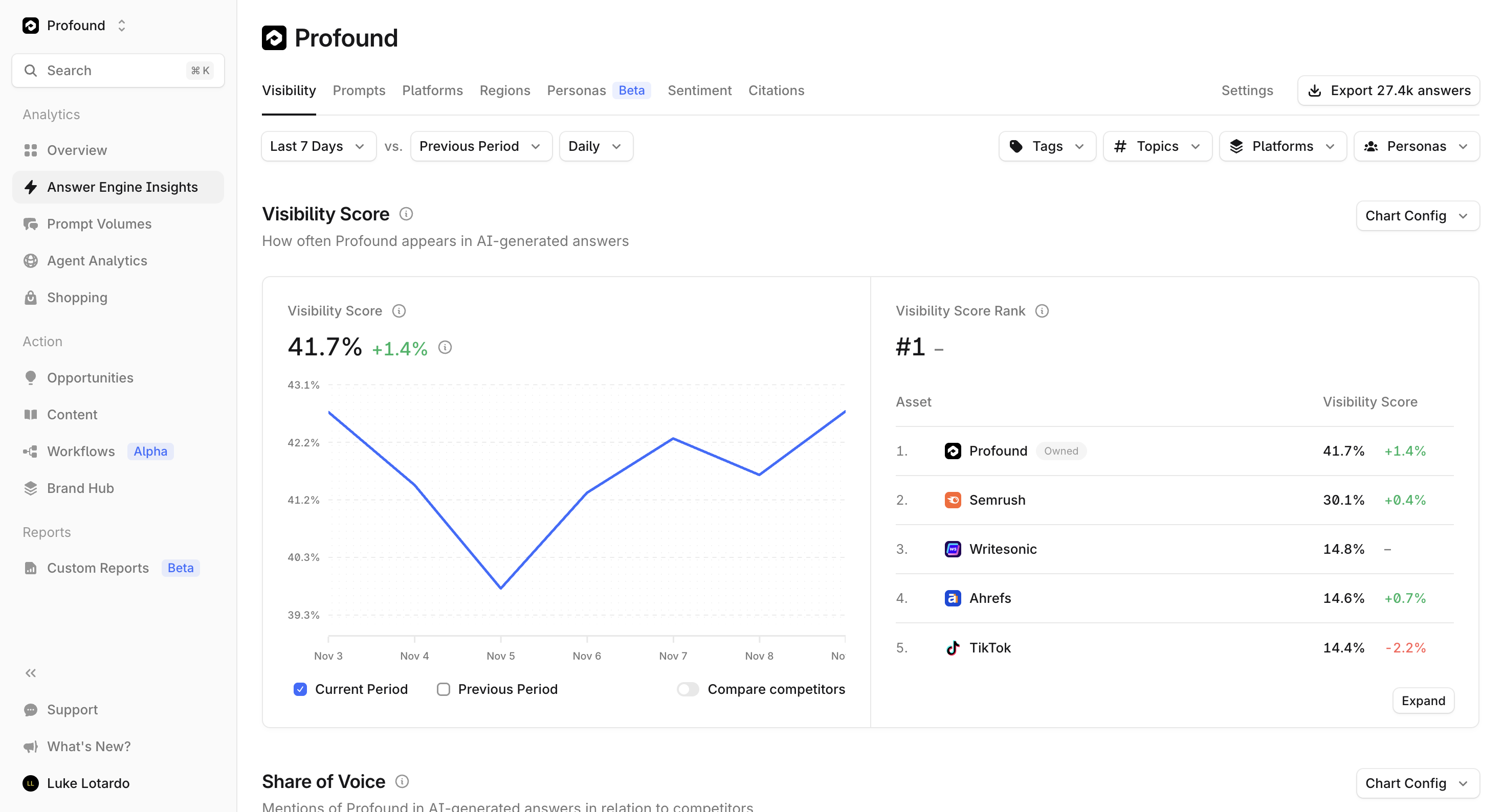
What It Does: Maps your brand's presence across AI surfaces including ChatGPT, Perplexity, Gemini, and Copilot.
Why It Matters: Reveals where you're being cited, how you're represented, and which competitors dominate similar queries.
How to Use:
Review visibility by engine and topic weekly
Identify top opportunities where your brand isn't yet mentioned
Export findings to your content or PR team
Prompt Volumes
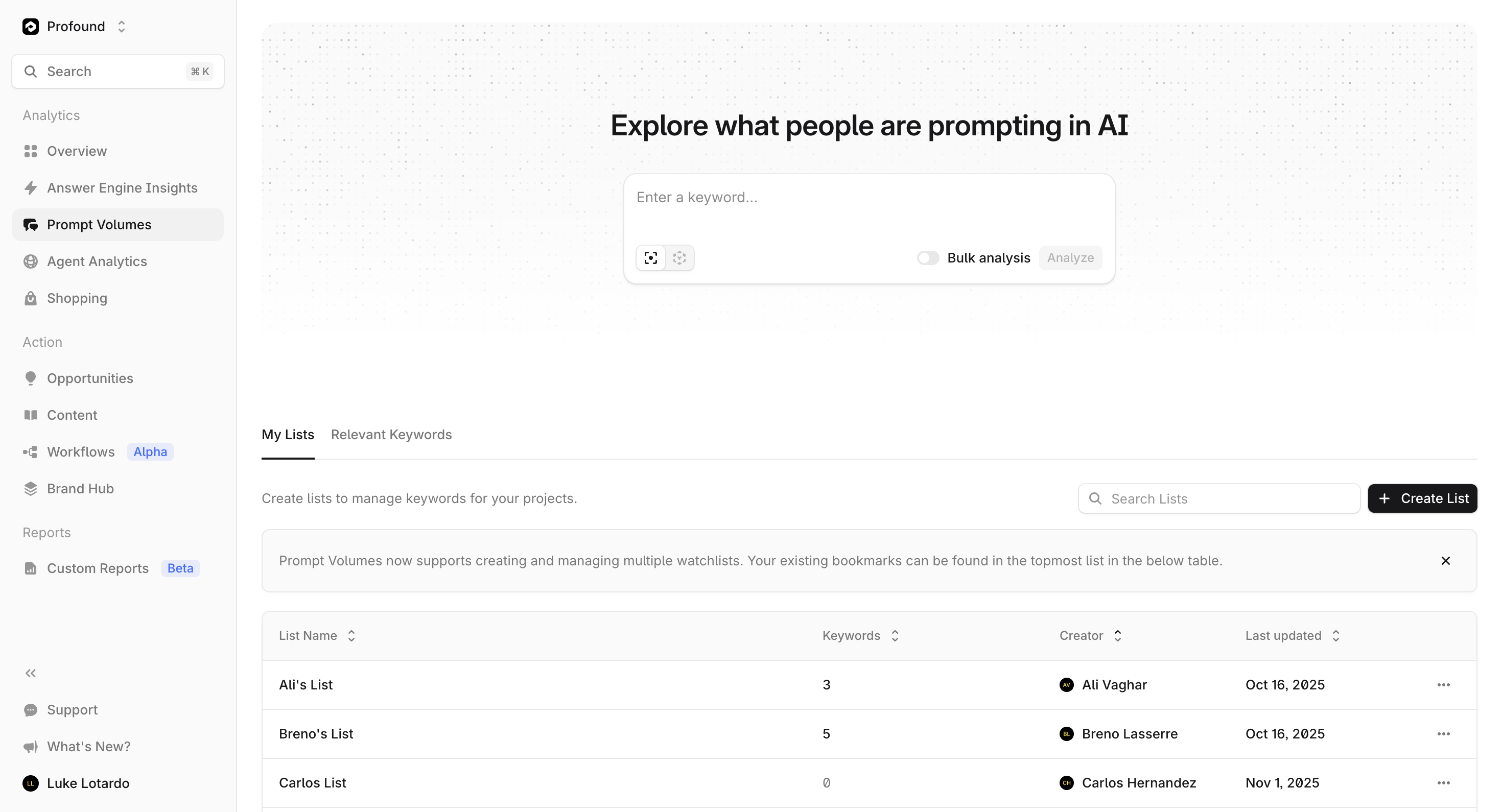
What It Does: Aggregates and categorizes AI user prompts by topic, intent, and audience.
Why It Matters: Shows what your customers actually ask AI about your category - turning invisible demand into actionable insight.
How to Use: Prioritize new content based on trending prompt clusters and seasonality indicators.
Agent Analytics
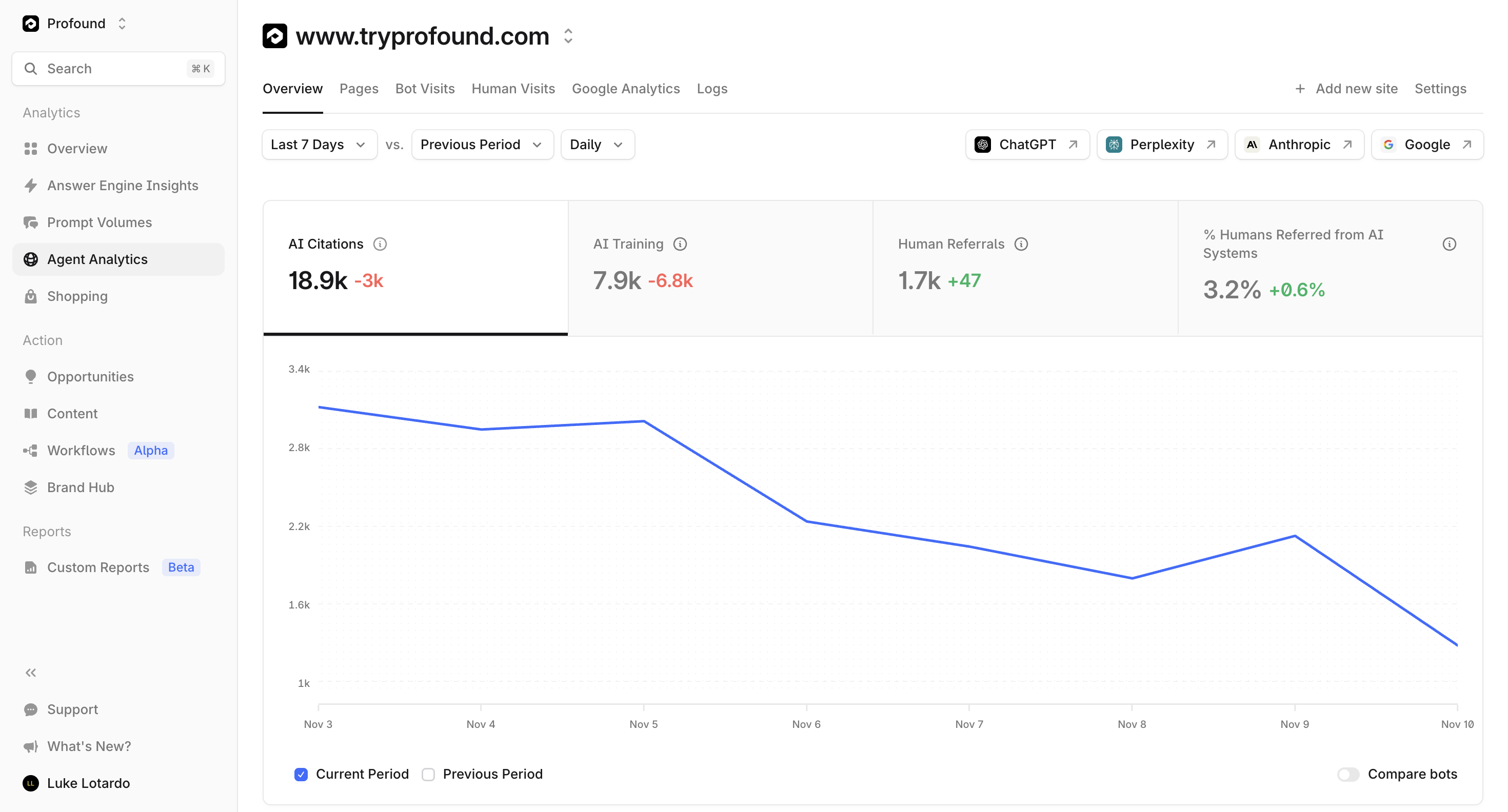
What It Does: Provides log-level insights into which AI agents surface your content and how often.
Why It Matters: Quantifies your AI-driven exposure and validates improvements over time.
How to Use: Filter by date range, prompt type, and region to verify results after major content updates.
Visibility and Share of Voice
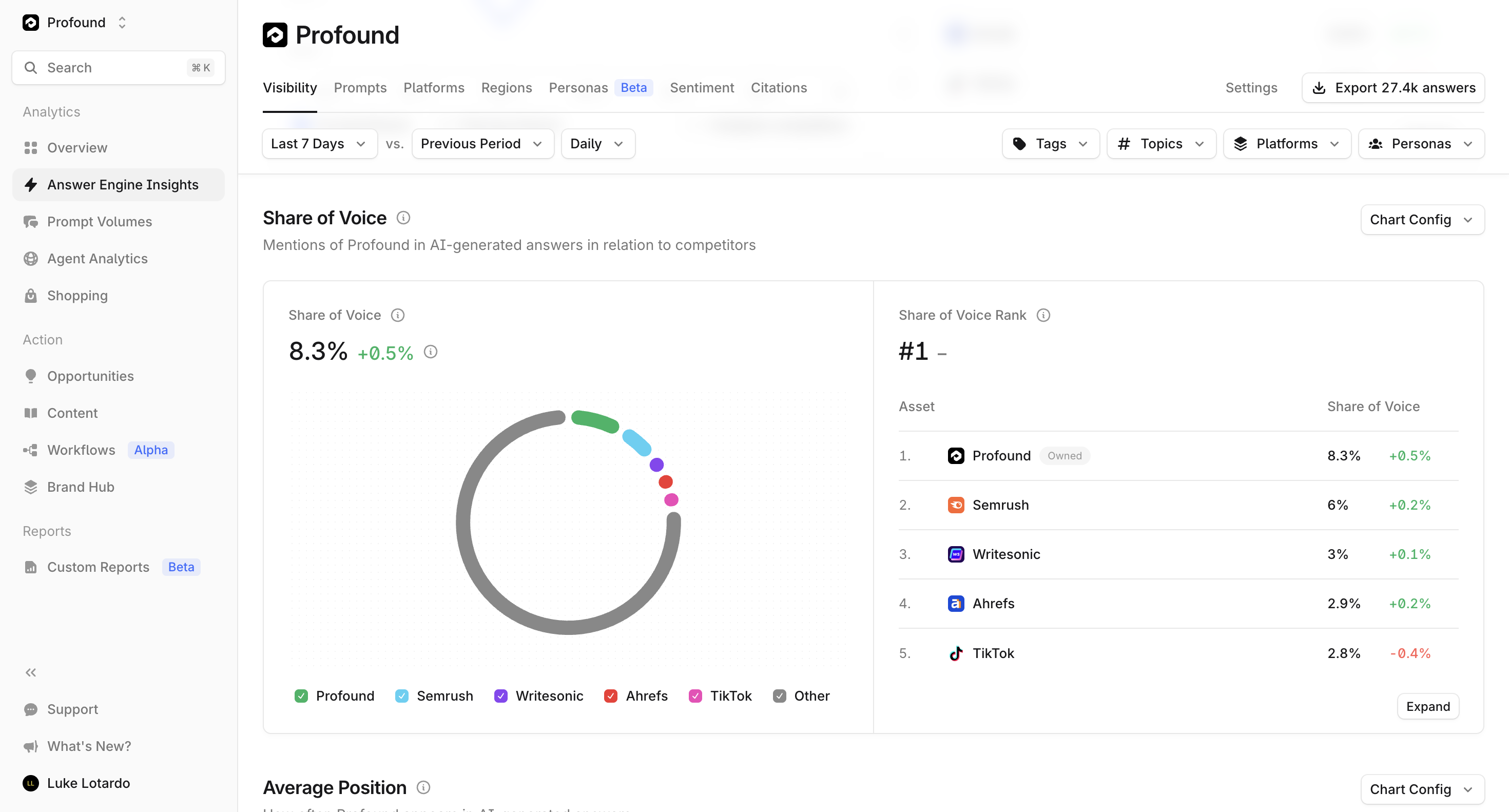
What It Does: Measures brand visibility and share of voice across AI engines and citation surfaces.
Why It Matters: This is your leading KPI for AI discoverability and competitive benchmarking.
How to Use: Monitor monthly to track visibility growth and benchmark progress against competitors.
Content: Create & Optimize
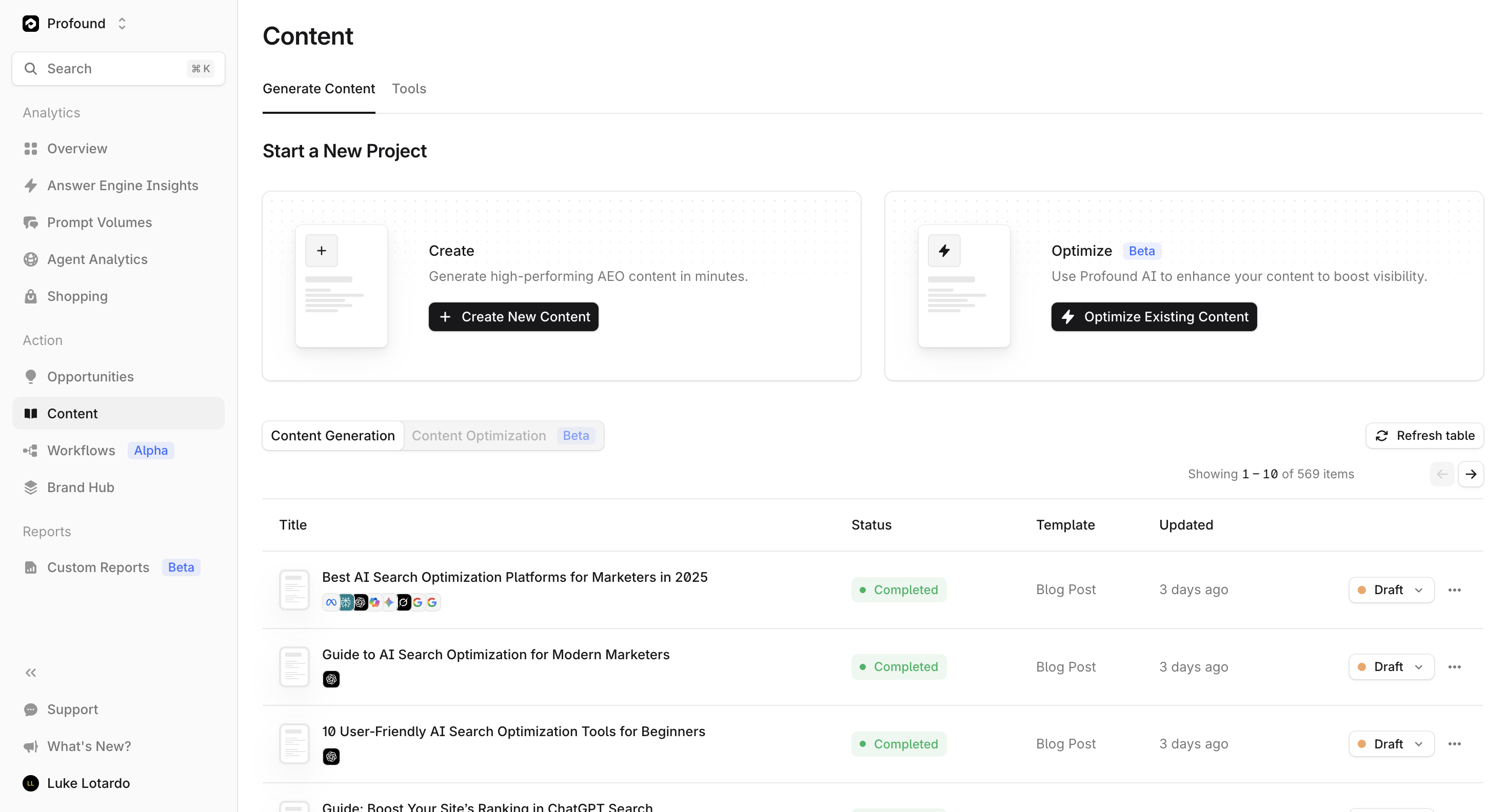
What It Does: Enables users to create new briefs or optimize existing pages based on visibility and citation data.
Why It Matters: Connects visibility insights directly to content performance outcomes.
How to Use: Use Create to generate new opportunities and Optimize to refine existing content for maximum AEO impact.
Workflows
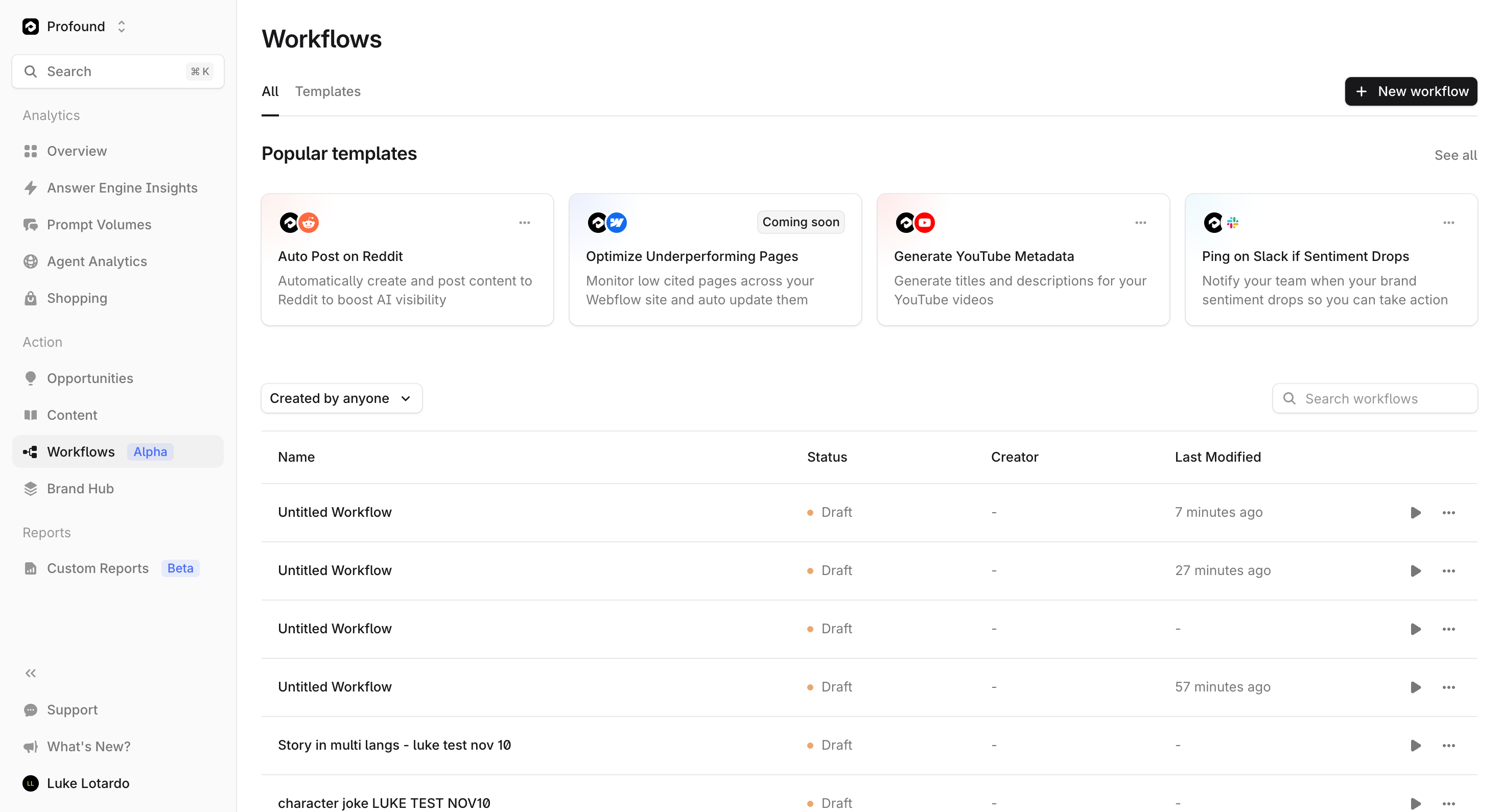
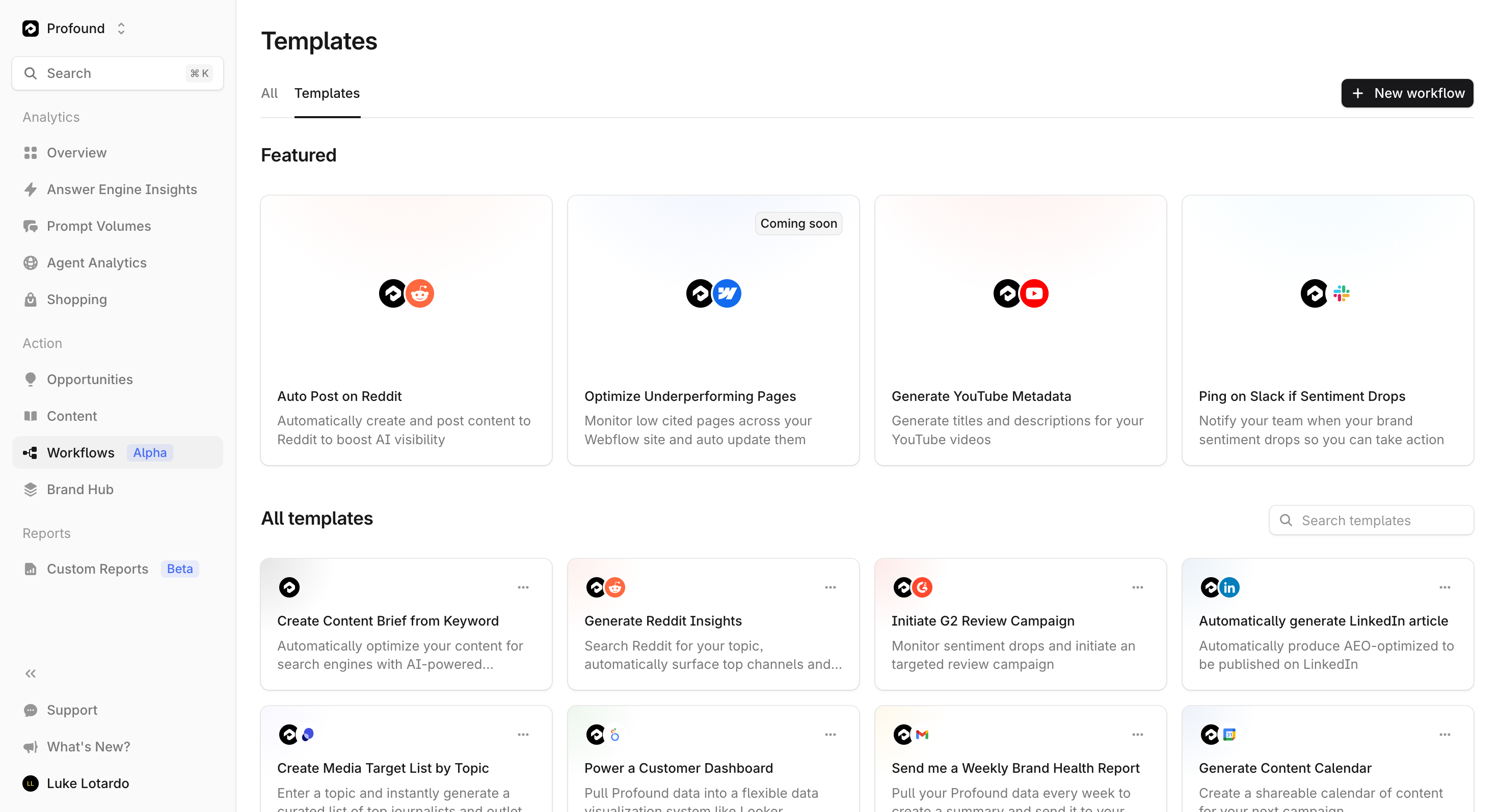
What It Does: Automates key visibility and content workflows currently under testing for expanded rollout.
Why It Matters: Streamlines repetitive tasks including tracking, reporting, and content recommendations.
How to Use: Enable via Settings → Labs to test automation tools and provide feedback to your CS lead.
Example KPIs and Reporting
KPI Definition Use Case | ||
Performance Benchmark: A 10% increase in Prompt Coverage typically predicts a 3–5% improvement in Share of Voice within 30 days.
Week-by-Week Activation
Week 1: Foundation
Complete domain, CDN, and analytics setup
Confirm prompt ingestion and baseline visibility
Identify high-potential prompt clusters
Week 2: Analysis
Run your first visibility report
Review top competing domains
Create or optimize one content brief
Week 3–4: Action
Measure first visibility lift
Publish or update 3–5 pieces of content
Share early ROI report with leadership
Implementation Note: Visibility increases as small as 5% often create strong stakeholder buy-in when communicated effectively.
Security and Governance
SOC 2 Type II Certified for data handling and operational security
SSO Integration with major identity providers
RBAC Controls for granular access management
Data Privacy: Profound collects and processes only publicly available visibility and citation data. The platform does not access, store, or process any proprietary customer content in accordance with SOC 2 Type II, GDPR, and CCPA requirements.
Compliance Note: Profound adheres to GDPR, CCPA, and enterprise security compliance standards.
Troubleshooting and FAQs
Issue | Likely Cause | Resolution |
Technical Support: Most visibility sync issues resolve automatically within 24 hours after setup completion.
Next Steps & Support
Access Benchmarks
Compare your performance with anonymized case data from leading brands including Ramp, Amex, and others.
Need Help?
Email support@tryprofound.com or use the in-app Help Widget to chat with a specialist.
Weekly Webinars & Office Hours (Enteprise)
Join us live every week:
Platform and Agent Webinars: Sign up here (Tues and Thurs, 1pm ET)
Office Hours: Sign up here
Platform Onboarding (Wed, 2:30–3pm ET)
Building Agents (Wed, 2:30–3:30pm ET)
P.S. These sessions alternate weekly